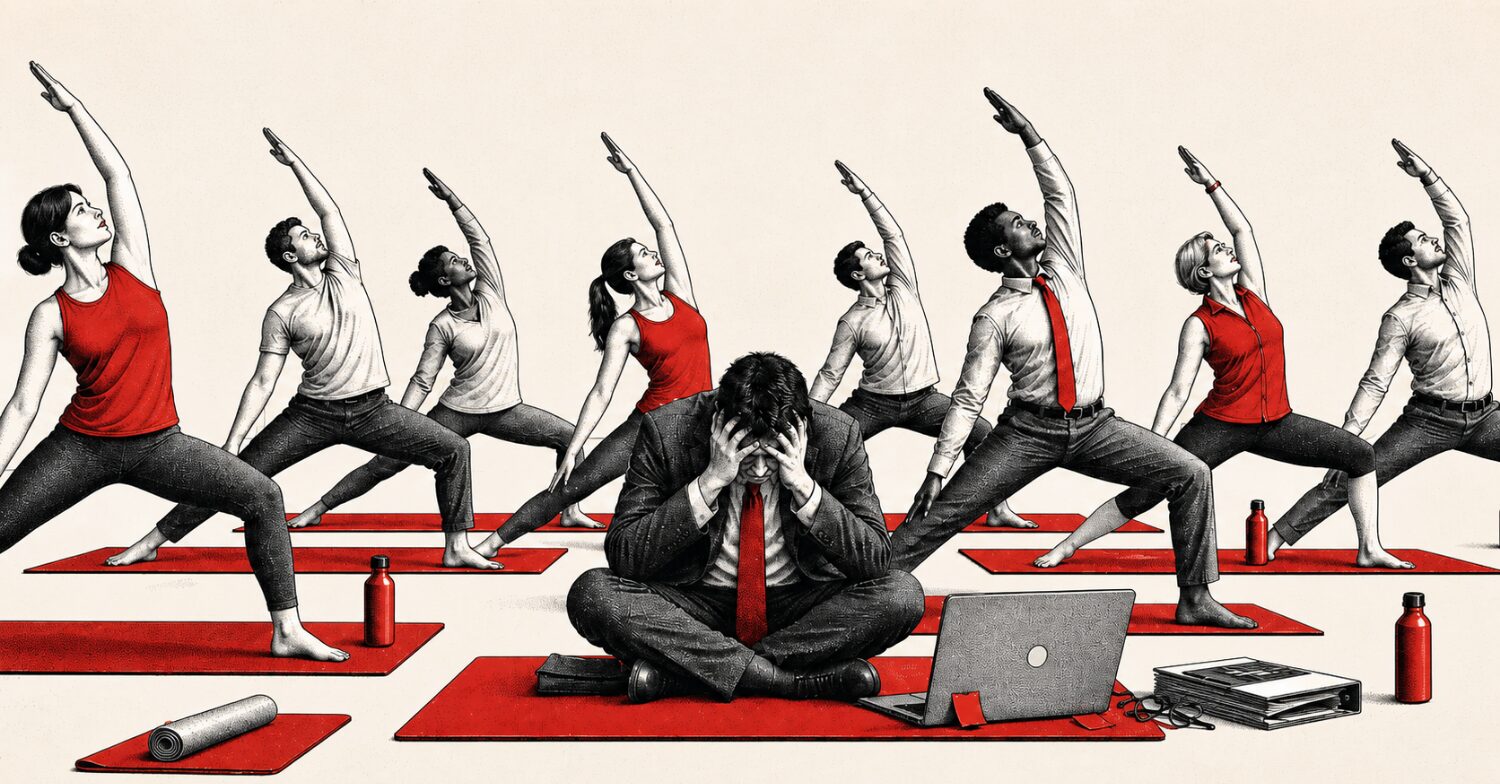
If your workplace is anything like ours, you’re spending lots of time on video conference calls. Even for leaders with a high amount of extraversion, Zoom fatigue is real. Luckily, we have the ability to customize our Zoom backgrounds.
We’ve been having fun with it! Check out some PI employee submissions to last week’s best Zoom background contest.
Most unique (Stefano, Promoter):
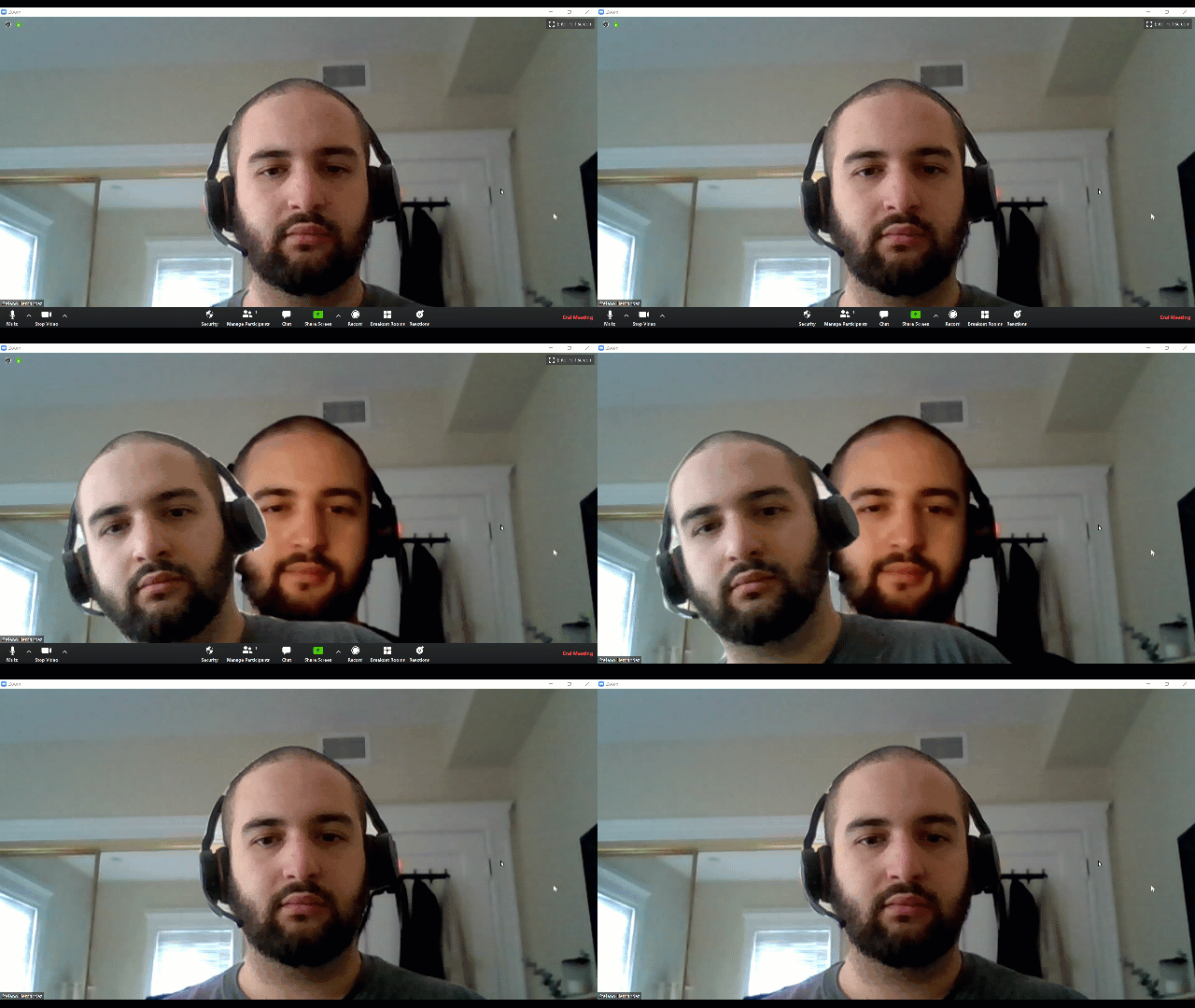
Funniest (Jim, Captain):

Best location/dream destination (Zoya, Maverick):

My personal favorite (Curtis, Controller):

Fun aside, I want to share a Zoom background that can help you:
- Share your love of PI with others across the organization
- Start conversations about the four behavioral factors and Reference Profiles
- Help employees learn how their co-workers prefer to collaborate and communicate
Without further ado, here’s the best (in my completely unbiased opinion) Zoom background for PI customers:
The PI Placard Zoom background
In about 30 seconds, you can change your Zoom background to your PI Placard. Here’s mine:
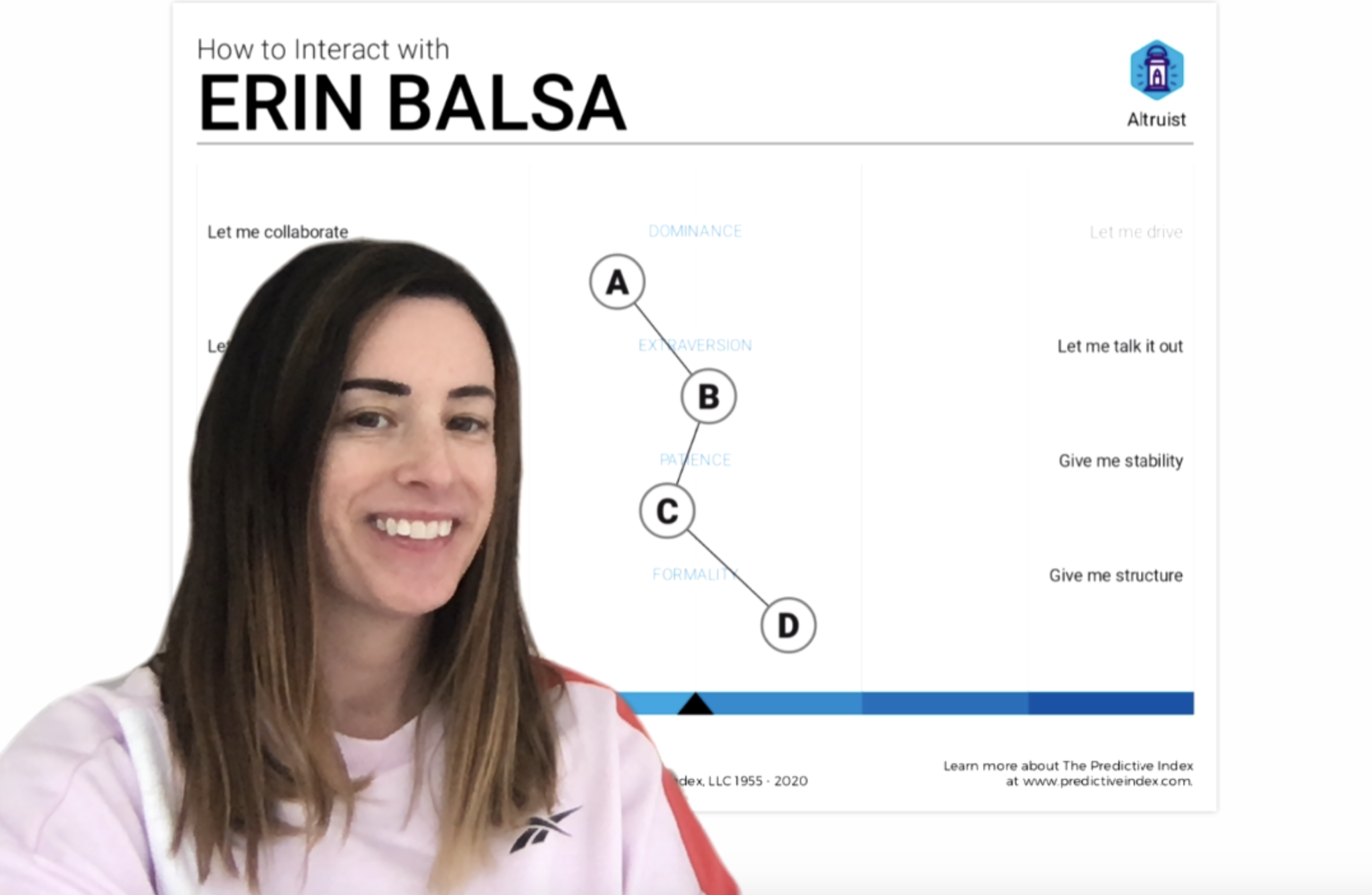
(If you have a narrow pattern like me, you’ll have to sit to one side to show off your pattern.)
During your next internal Zoom call, try opening the conversation about behavioral patterns. Here’s what you might say:
- If you’re the PI champion in your org and you’re trying to grow adoption: “Ask me about my Zoom background.”
- If your company uses PI to improve self-awareness and relationships: “Tell me something about my pattern.”
Step-by-step instructions for changing your Zoom background
- In the PI software, download your placard.
- Take a screenshot of your placard. (Zoom doesn’t allow PDF uploads.)
- In Zoom, scroll to the bottom and click the carrot to the right of “Start video.” Select “Choose virtual background.”
- Click the plus sign and then choose “add image.”
Troubleshooting
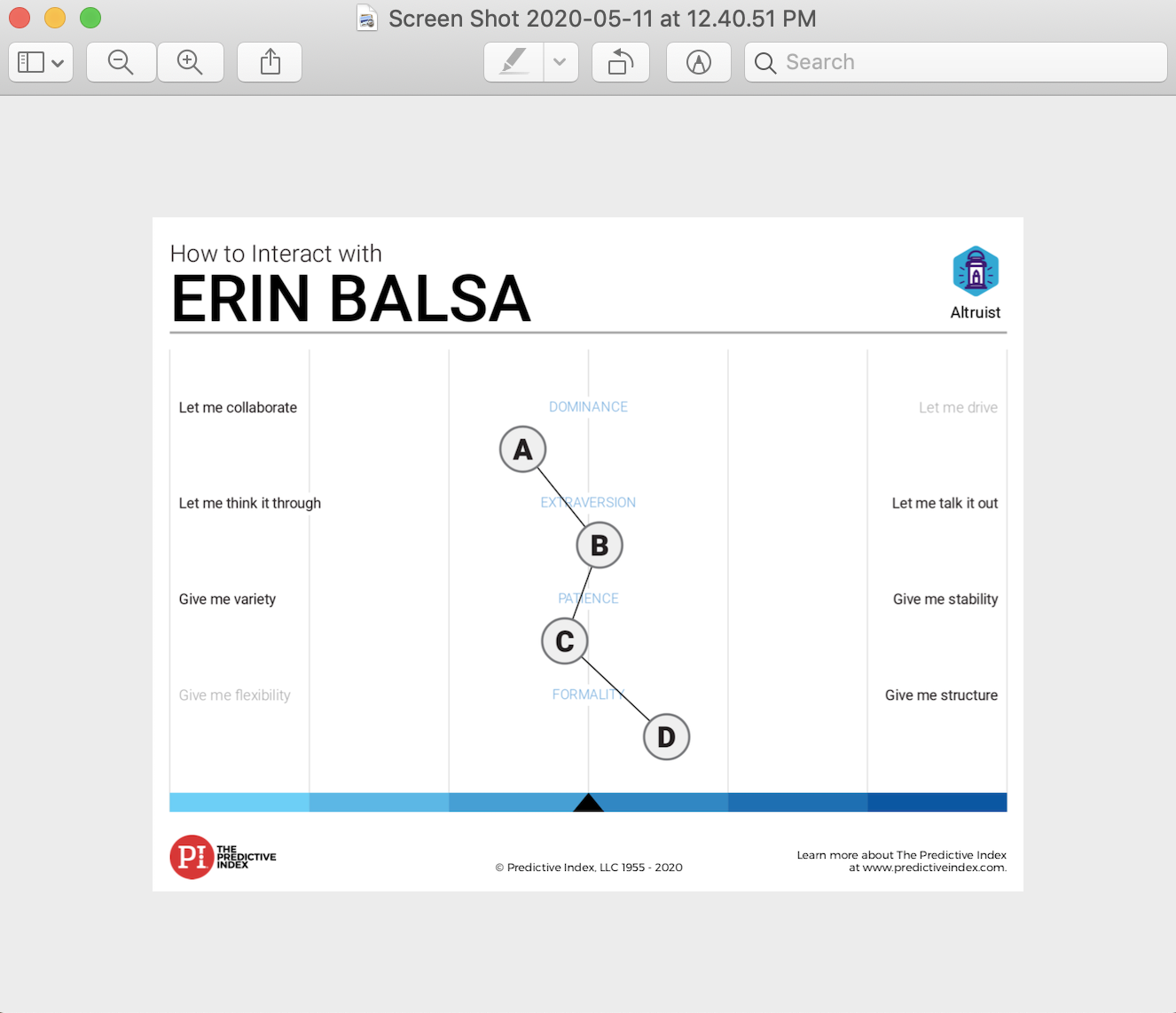
If your placard gets cut off, take a new screenshot of your placard plus some of the background like this:
We’re busy creating Reference Profile Zoom backgrounds for our customers as an alternate option. Look out for them soon!