
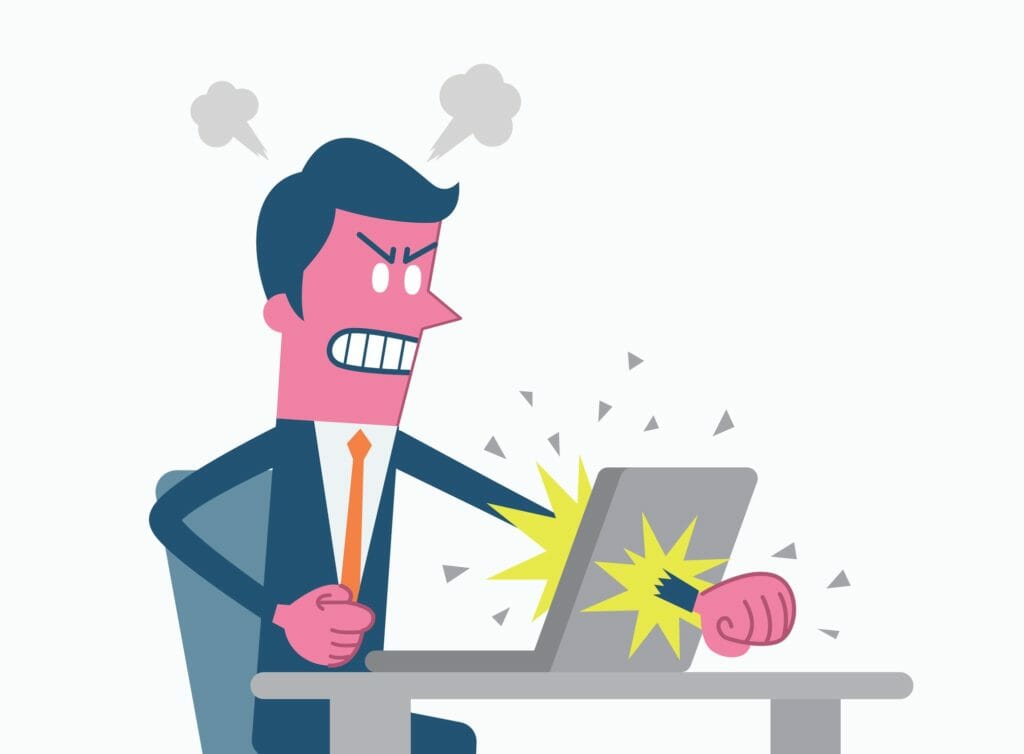
The all-too-common email habits that make your coworkers want to poke their eyes out
There is nothing my low-B loves more than a good email in place of an hour-long meeting. But for every sanity-saving email, there are at least five more that will make my eyes pack their bags and roll straight out of my skull.

So, why does your email make me cringe?
1. You sent it with High Importance!™
As they say, “When everything is important, nothing is.”
We live in a world where instant gratification is the driving force behind much of what we do. There are absolutely situations where that red exclamation point is warranted. But if you’re sending me a High Importance!™ email because I still haven’t signed up for the company potluck, I’m less likely to prioritize your next email. The boy who cried wolf learned this the hard way. Let’s avoid having your truly urgent emails end up unread in the trash.
Understanding what drives and motivates your employees will help you understand their workplace behaviors…and maybe even their emails. Learn how PI can help decode your people!
Join 10,000 companies solving the most complex people problems with PI.
2. You sacrificed grammar for the convenience of a mobile app
When we finally put the nail in grammar’s coffin, its headstone will read, “Please excuse brevity and tpyos. Sent from my mobile device.”
In an ever-increasingly connected workplace, there is no greater godsend than email access on your phone. But let’s not forget the importance of tempered, thoughtful responses. If an email requires a simple answer, then by all means – fire away! For messages that are urgent – go for it! If you find yourself in any other situation, ask yourself if it’s something that can wait until you’re able to fully concentrate and provide a thorough response. The person on the receiving end will thank you.

3. Your font looks like this
In middle school, I took great pride in my AOL Instant Messenger (AIM, as older millennials affectionately remember) away messages. I can distinctly remember using Comic Sans in cobalt blue, and then thinking to myself, “This is too much,” and promptly deleting.
There is a time and a place for bright colors and fun fonts. That place is not in a professional email. Your message is important, not only in content, but also for your personal branding. Don’t be afraid of Calibri. Calibri is your friend. Let your message shine through in an easy-to-read size and color, too. It’s more professional, and certainly more respectful of your audience.

4. You want a read receipt
Please don’t do this. If there is anyone out there who has ever opted to send a read receipt and not been profoundly annoyed, please connect with me and I will issue an apology.
5. You’re bombarding my inbox
It’s a tale as old as time: Person writes email. Person copies everyone on their contact list. Person sends said email. Other people take it upon themselves to showboat in a reply-all.
Please — I’m begging you—respond only to the relevant person. If it’s a congratulatory email, send a private email to the person worthy of congratulations. If you have a question for the sender because you didn’t read the email completely, please don’t subject everyone else to that question. If you hit reply-all by accident, it happens. Just be mindful next time. And please, do not reply-all with, “Sorry! Hit reply-all!”

Bottom line: be respectful of your audience. No one wants to feel that they aren’t trusted and require a read receipt, or that they won’t open an email unless it’s marked as urgent, or that they aren’t worthy of a grammatically-correct message. The more time we take to be considerate of our email recipients, the happier they will be.
Just think: a world where you can open your inbox without a looming sense of dread? Sounds like a happier world, indeed.
