The PI2 Upgrade
PI2 Partner Readiness
Introduction
The PI2 Product
The PI2 Workshops
Pricing and Packaging
Sales systems
The PI2 Upgrade
Conclusion, next steps, and resources
The upgrade roadmap: who, when, and how
This section will explain how partners can identify the upgrade timeline for each of their clients.
Who and when
Clients have been grouped into different upgrade cohorts based on their level of complexity. In short, the higher the volume of a client’s data, users, and assessments, the later their upgrade will occur. One of the more critical factors considered when assigning a client’s upgrade cohort is how they will use Behavioral Data Permissions.
To discover when your clients are scheduled to begin their upgrade, you can view this report in Force Business Center.
To get a clearer idea of the scope of changes from Legacy to PI2, Legacy clients are able to create temporary pre-upgrade PI2 demo accounts. 19 days prior to their upgrade, users will receive a popup notification to explain how to go about creating these demo accounts.
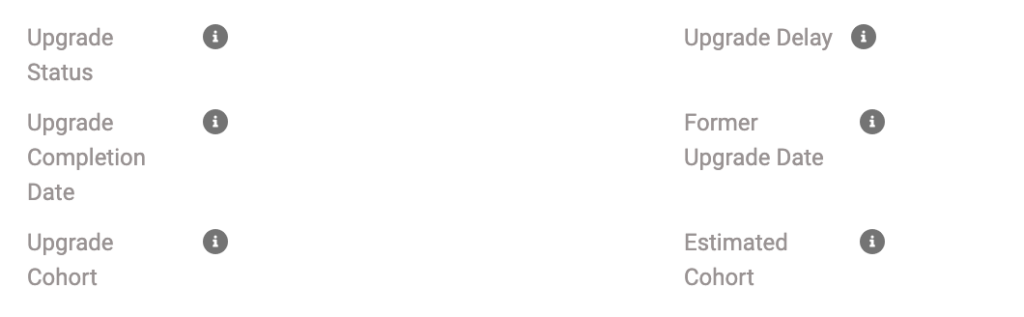
If you had a client that was previously scheduled for upgrade that has been removed from your upgrade report, you can view their upgrade status on the specific account page in ForceBC. This will provide their original upgrade date as well as reasons for the delay (example: Exempt until integration).
If you feel your client needs to remain on the Legacy platform beyond their scheduled upgrade date, you can request an exception. Exceptions will be approved on a case-by-case basis. Exception requirements include:
- Client needs a software language other than English. (Requires international office location using PI)
- Need to restrict users from all employees in Inspire. (Requires minimum 200 EE subscription)
Please note that submitting this form does not guarantee an exception will be granted.
Account Pause and the Upgrade
When PI assigns upgrade dates, we will exclude any clients that are on account pause at that time. Clients who go on account pause after being assigned an upgrade date will be upgraded as scheduled while on account pause. These clients will be sent communications unique to this context.
Any remaining account pause clients will be upgraded in 2025, specific date TBD.
When a client comes off of account pause, the version of the software they are activated into will depend upon the date they want to return and whether or not they have product readiness. Conditions that would deem a client as not having product readiness include clients that:
- Are using folders for visibility
- Have integrations
- Have non-English software users
- Have associated child accounts
- Have Design (until mid November)
- Have Diagnose (until December)
We ask that partners check with HQ via a support ticket prior to reactivating any client to determine whether or not the client has product readiness.
- Clients with product readiness can reactivate into either the Legacy or PI2 software. If they reactivate into Legacy, they will be scheduled for upgrade in the near future.
- Clients without product readiness will reactivate into the Legacy software and will be scheduled for upgrade in the near future.
Best practice: When a legacy client of yours is ready to come off of account pause, reach out to Partner Relations to understand upgrade eligibility and readiness prior to discussing the upgrade with the client.
How
A client’s software upgrade will occur automatically at 5:00 p.m. ET the day of their scheduled upgrade date.
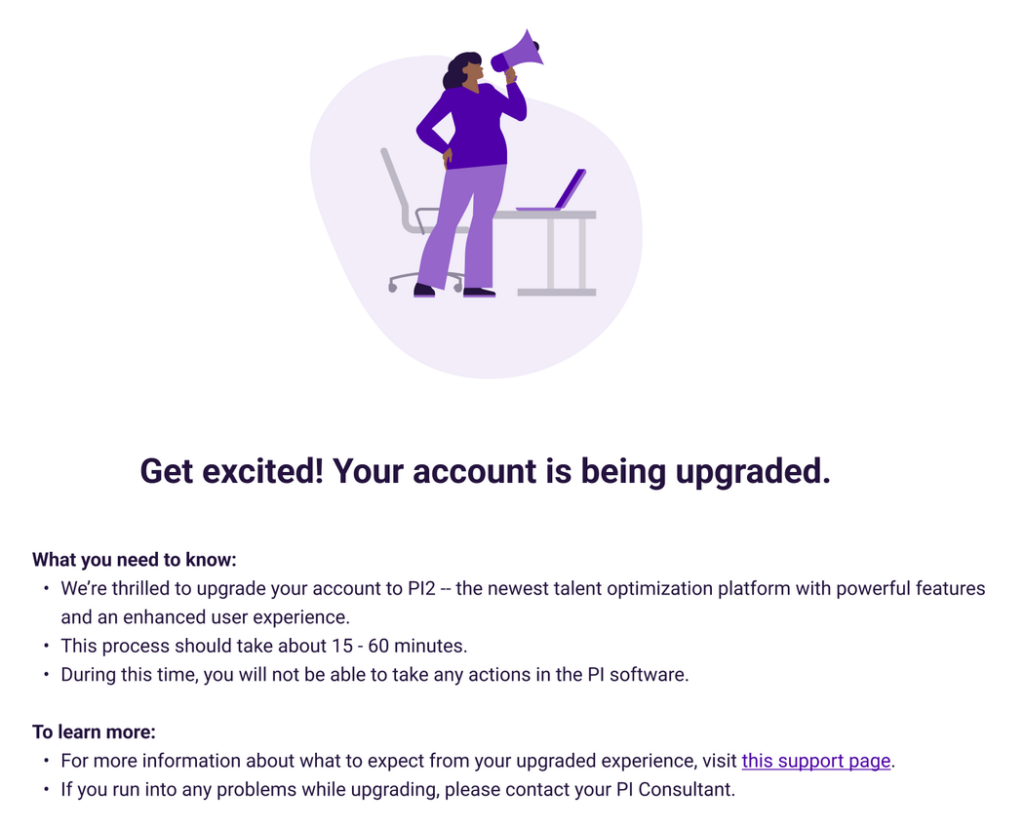
During that time, users will be logged out of the software and the account may be inaccessible for up to one hour. If a user attempts to login, they will be greeted by the following message indicating that their upgrade is in progress:
The table below explains which data, folders, and open invitation (OI) links from a Legacy account will/will not carry over to an upgraded PI2 account.
| Item | Will it carry over from Legacy to an upgraded PI2 account? |
|---|---|
| Behavioral Assessment data | Yes. All assessment data will be accessible in PI2. Candidates can be viewed in Hire. Employees will be listed in the Employee Directory. All other records can be found via Global Admin settings. PI2 will attach BA results to existing software users who are not already attached to their BA results in legacy. |
| BA Date Completed (employees) | No |
| BA Date Completed (candidates) | Yes, via Candidates List view |
| Cognitive Assessment Data | Yes [In the Hire module only] |
| Folders | Yes |
| Folder Contents | Yes |
| Folder Permissions [Jobs] | Yes |
| NEW: Behavioral Data Permissions | Live 4/1/25 |
| Jobs | Yes |
| Job Targets | Yes |
| Candidates | Yes |
| Candidates attached to jobs | Yes |
| BA open invitation links: Employee | No |
| BA open invitation links: Other | No |
| BA open Invitation links: Candidates | Yes |
| Job Assessment invitations | No |
| Teams | Yes |
| Team members | Yes |
| Team Type | Yes |
| Strategic objectives | Yes |
| Strategy type | Yes |
| XP survey results | Yes |
| User role | Yes, at the equivalent PI2 User Access Level |
| Anonymization | Yes |
| Multi Factor Authentication | Yes |
| Third Party Access | Yes |
| Multiple email domains | Yes |
If a client discovers they are having difficulty locating assessment data, users, or folders after their upgrade is complete, they should first check their Transferred People list. This will be accessible from the Welcome Guide provided to them at their first post-upgrade login. If the issue remains, they can submit a ticket to our support team.