Sales systems
PI2 Partner Readiness
Introduction
The PI2 Product
The PI2 Workshops
Pricing and Packaging
Sales systems
The PI2 Upgrade
Conclusion, next steps, and resources
Free trials
When to Use a Free Trial
Before we dive into administering free trials, we strongly recommend that you exhaust your typical partner-led sales motion prior to offering free client trials to maximize your revenue. Reserve client free trials as a fallback option. If you feel you need guidance developing your partner-led sales motion for PI2, then we have a set of dedicated resources for you here.
If you are working with a prospect who is adamant about getting “hands-on” with the PI platform prior to purchasing, a consultant-led free trial may be appropriate. With this functionality, you can control which modules the prospect has access to. You will also have third-party access by default.
A prospect’s free trial will last for 7 days. Partners can extend this trial once through FBC for another 7 days, either by individual modules, or by renewing all modules again. If a second extension is needed, or they need more than 7 days, the partner should contact the PI support team.
How to set up a free trial
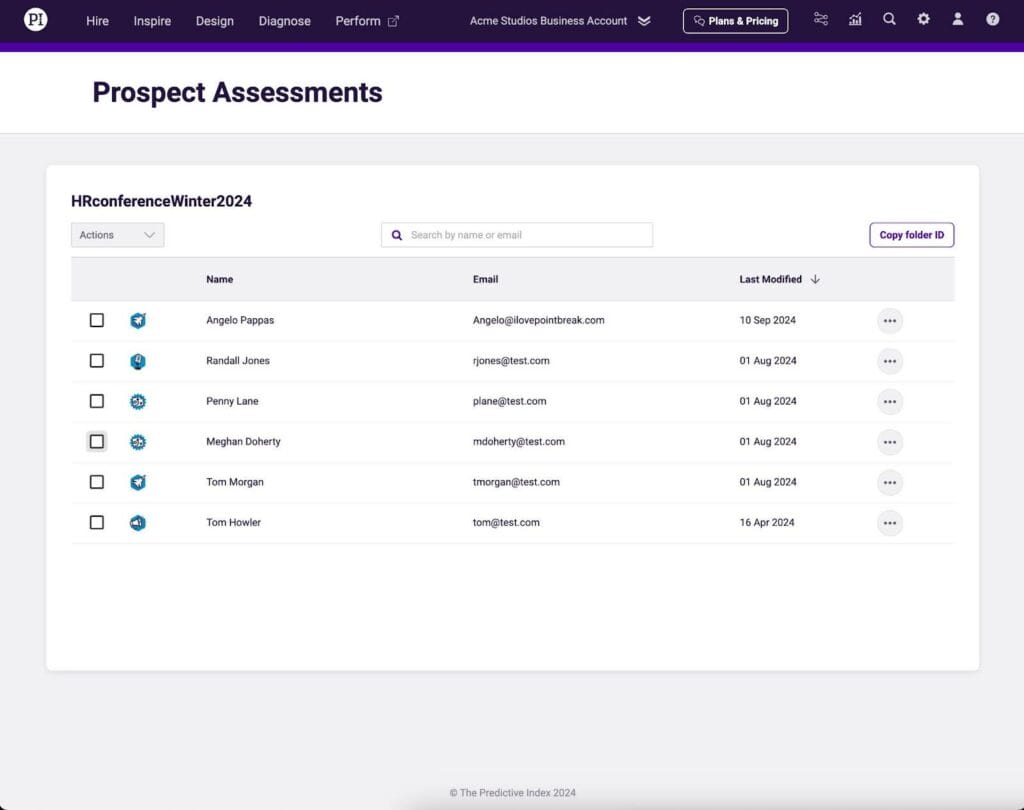
Copy the folder ID containing your prospect’s data from within your PI2 business account. Before you move them, you may need to create a new folder.
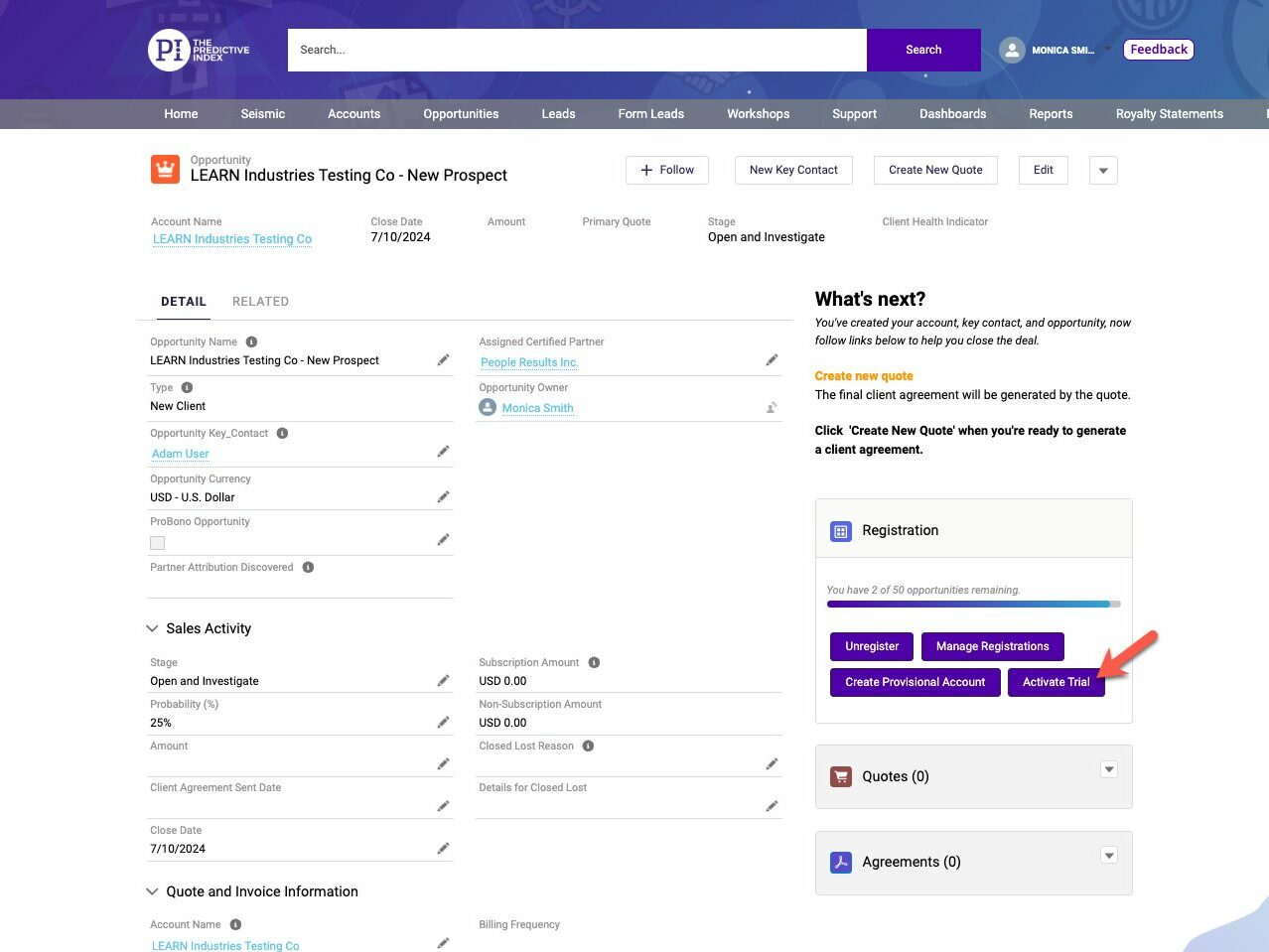
In ForceBC, locate the registered opportunity and select Activate Trial.
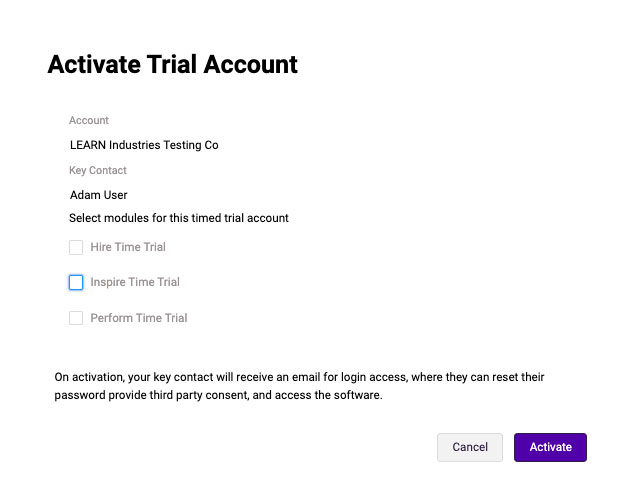
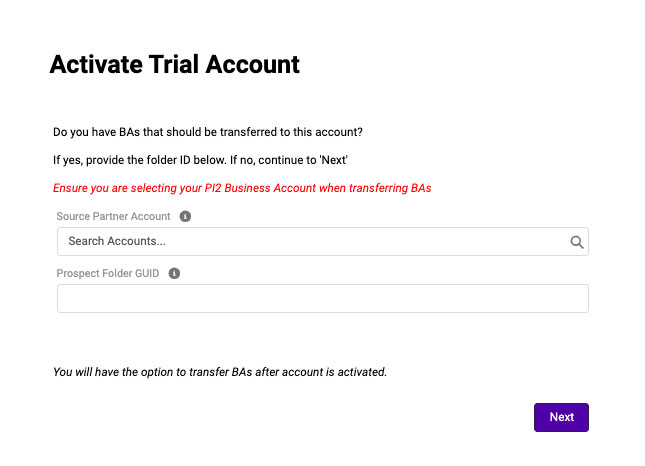
Choose the modules you want your prospect to see and enter the folder ID.
The Key Contact associated with the account will be emailed login instructions. You will automatically be enabled as a third party user (the prospect email will contain language confirming they’re granting you access), and you’ll be able to see the trial account in your software drop down.